Convert Image to SVG Locally
Vectorize your images right in your browser. The conversion runs entirely on your own computer — nothing is ever uploaded to a server.
PNG, JPG, WebP, BMP, or GIF. Your file stays in this browser.
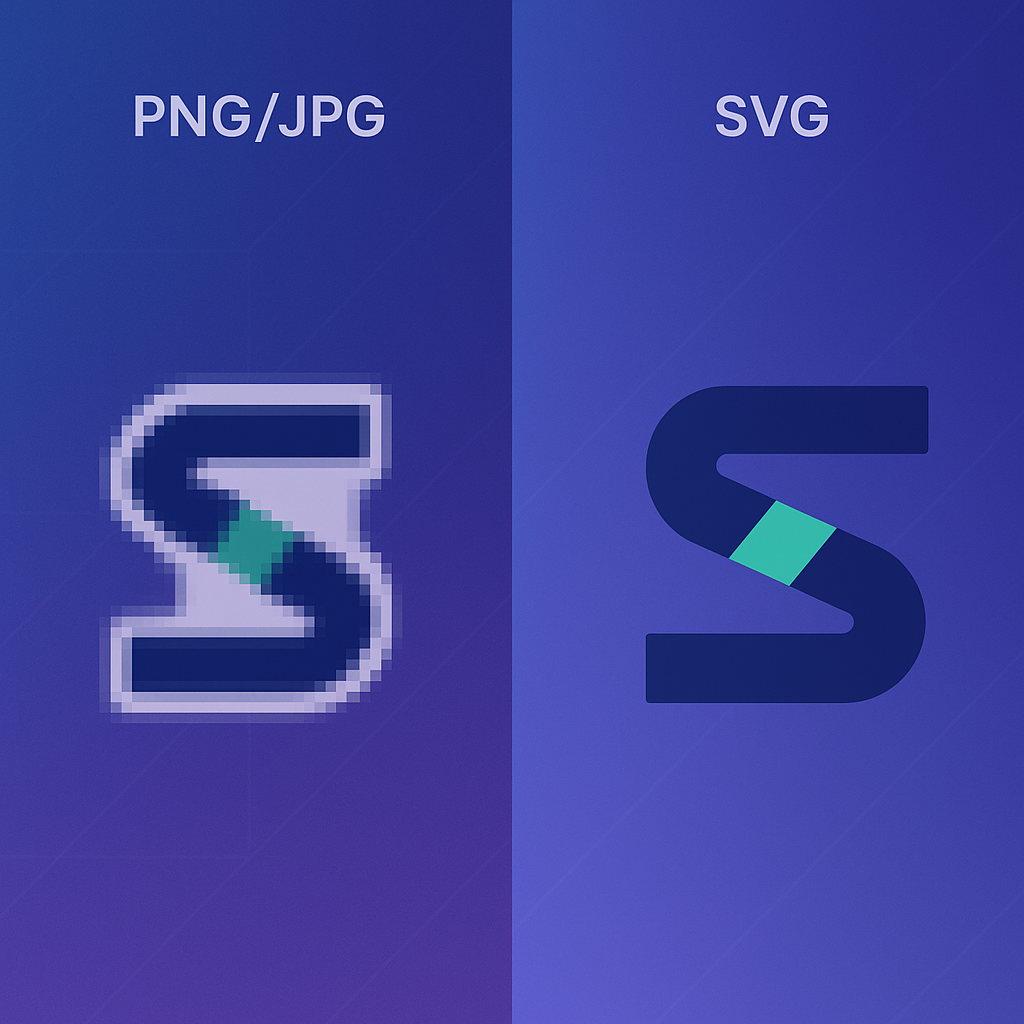
Why use an image to SVG converter?
Because the image to SVG result doesn't blur when someone zooms in, lands on a Retina screen, or prints your logo on a billboard. An SVG is just code — small, sharp, and editable in Illustrator, Figma, or a text editor.
Sharp at any zoom
After image to SVG conversion, pinch-zoom on a phone, full-screen on a 5K display, and print at poster size — same crisp edges every time.
Skip the manual tracing
Hand-tracing a logo in Illustrator takes hours. A good image to SVG converter does the first pass in seconds; you tweak from there.
Lighter pages, faster loads
Most image to SVG conversions come out smaller than the source raster, which helps Lighthouse and Core Web Vitals.
What you get from an image to SVG converter
An image to SVG conversion isn't just a different file format — it's a different way to ship visuals. Once the converter is done, you can scale the result, restyle it with CSS, animate it, or embed the markup directly in your code.
After image to SVG conversion, a 16×16 app icon and a 6m print poster come out of the same file — no resampling, no quality loss.
Change fill, add hover states, animate paths — all from your existing styles or JS. After this image to SVG conversion, the converter output behaves like code, not a frozen bitmap.
For most logos and icons, this image to SVG converter outputs a file smaller than the source image — every page that ships the converter output gets a small speed win.
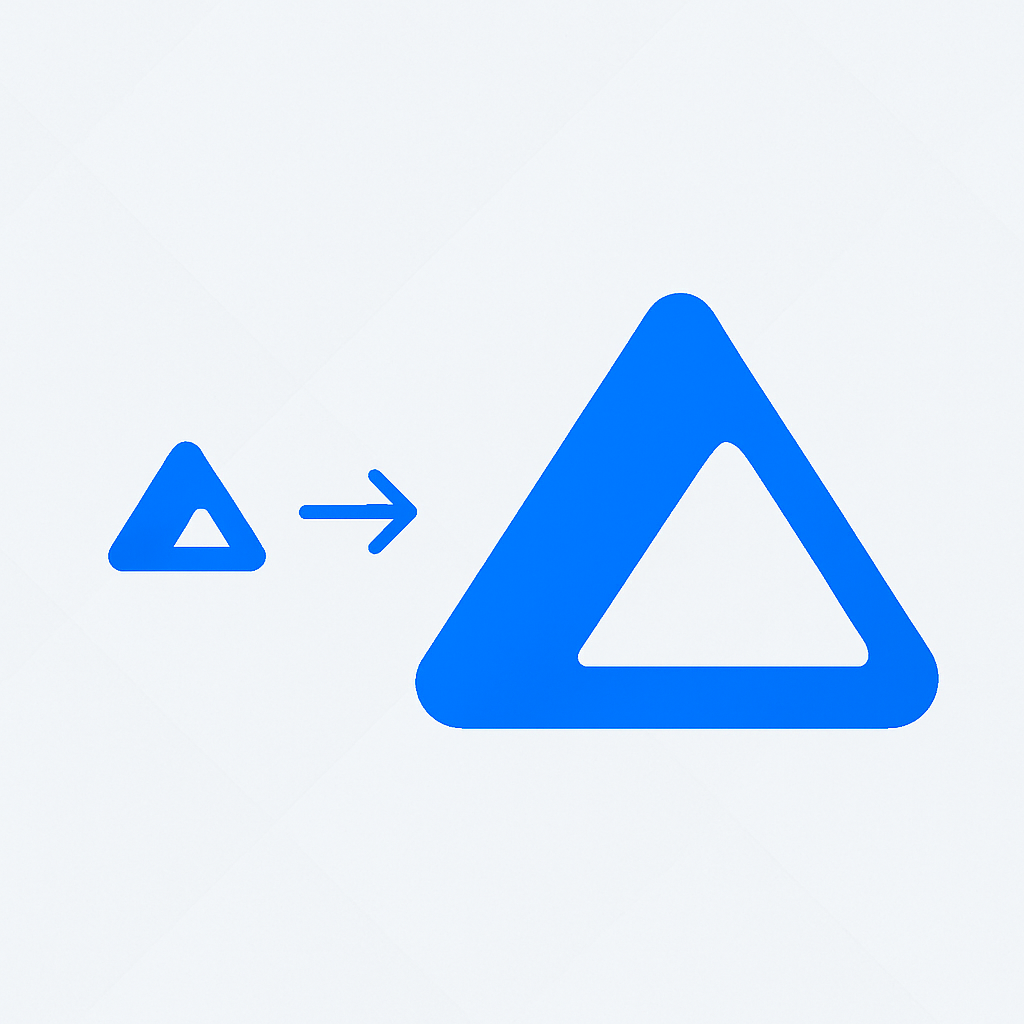
Image to SVG in three steps
No queue, no upload to a server. The image to SVG conversion runs locally in the browser — your image file goes from your computer back to your computer.
Drop in your image
Drag a PNG, JPG, WebP, BMP, or GIF image onto the page, or click to browse. The image to SVG converter accepts any of these raster image formats.
Tweak the conversion
Pick illustration, clean-color, or compact color style; then adjust detail, color count, and transparent background handling.
Grab the SVG
Preview the converted SVG side-by-side with the source image, copy the markup, or download a ready-to-edit .svg file from the converter.
Built for clean image to SVG conversion
Sensible defaults so the first image to SVG conversion is usable in seconds, plus the dials you need when the defaults aren't right for a given file.
Five formats in, SVG out
PNG, JPG, WebP, BMP, GIF — the image to SVG converter accepts any of them. Drag whichever raster you have.
Tuned for logos and icons
This image to SVG converter is tuned for the contrast-heavy stuff: brand marks, app icons, UI symbols, flat illustrations.
Captures real detail
Illustration trace keeps shapes, curves, and color layers — a faithful image to SVG conversion, not a smudgy approximation.
Cleaner with fewer colors
Dial down to the colors you actually need for a given image conversion; the converter output gets smaller and easier to edit.
100% Private & Local
No install, no extension. The image to SVG converter uses your CPU; nothing leaves the tab.
Your file stays with you
No upload, no server logs, no account. Useful for client work under NDA — every image to SVG conversion stays local.
Why creators trust this image to SVG converter
A fast, reliable image to SVG conversion workflow for designers, developers, and anyone who needs a vector image right now.
Images converted monthly in this converter
From dropped image to converted SVG
Local conversion, every image, every time
Image to SVG, on real projects
Designers, developers, and creators use this image to SVG converter on real client work, brand refreshes, and product launches — don't just take our word for it.
Image to SVG conversion, common questions
Quick answers on formats, privacy, quality, and where the converted SVG actually works.
What is an SVG file?
A vector image stored as code. Instead of pixels, an SVG describes shapes and paths in XML, so you can scale it to any size without blur.
Why use SVG instead of PNG or JPG?
PNG and JPG lock you into one resolution. With SVG, the same file works as a favicon and a billboard — and you can restyle it with CSS or animate it without redrawing.
Which formats can I drop in?
PNG, JPG, WebP, BMP, and GIF. Drag the file onto the upload area and conversion starts automatically.
Is it free?
Yes — unlimited, no signup, no watermark.
Does my file get uploaded?
No. Everything runs in your browser tab. The file never leaves your computer.
Which images give the best results?
High-contrast graphics with clear shapes — logos, icons, illustrations, screenshots. Photos can convert too, but you'll see some smoothing because pixels have to become vector paths.
How long does it take?
Usually under 5 seconds. Bigger files and "detailed" mode take a bit longer, but you can see the result the moment it finishes.
Will the SVG match the original exactly?
Close, not pixel-perfect. The tracer turns pixels into shapes, which works great for logos and icons. Photos always lose some detail.
Can I edit the SVG afterwards?
Yes. Open it in Illustrator, Inkscape, Figma, or any code editor. The paths are clean and easy to tweak.
Where can I use the result?
Websites, apps, social posts, presentation slides, print materials — anywhere that supports SVG, which is essentially everywhere modern.
Run your first image to SVG conversion
Free converter, no signup, runs locally in your browser. If the first image to SVG conversion isn't right, tweak the converter settings and run the conversion again — nothing's uploaded, nothing's saved.