Free PNG to SVG Converter
Drop a PNG and download a clean, scalable SVG in seconds. The PNG to SVG conversion runs 100% locally on your device — your file never leaves your computer.
PNG, JPG, WebP, BMP, or GIF. Your file stays in this browser.
Why use a PNG to SVG converter at all?
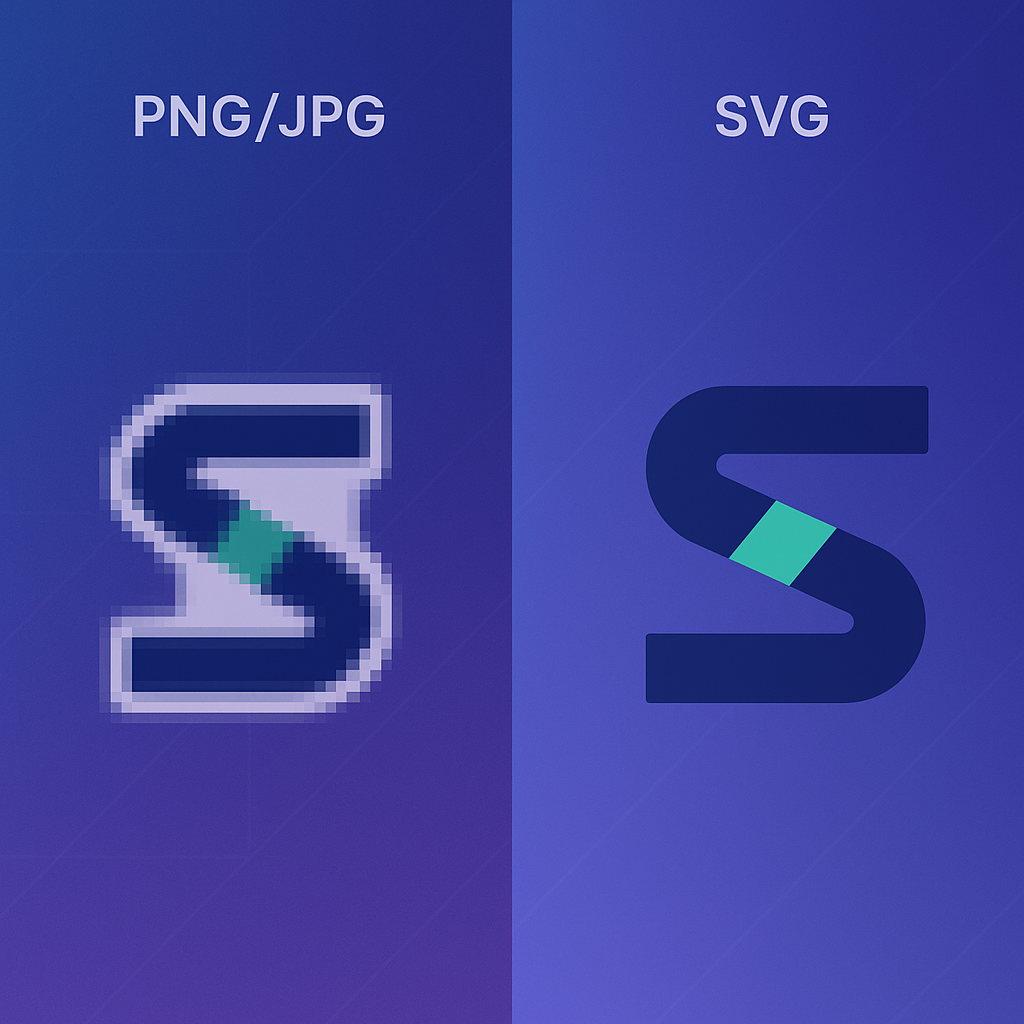
PNG holds pixels at a fixed size; SVG holds shapes that scale forever. A PNG to SVG converter turns those pixels into editable vector paths, so the same logo or icon stays sharp from a 16px favicon to a 6m print. This PNG to SVG converter runs the conversion 100% locally on your device, end to end — drop a PNG in, get a clean SVG conversion out.
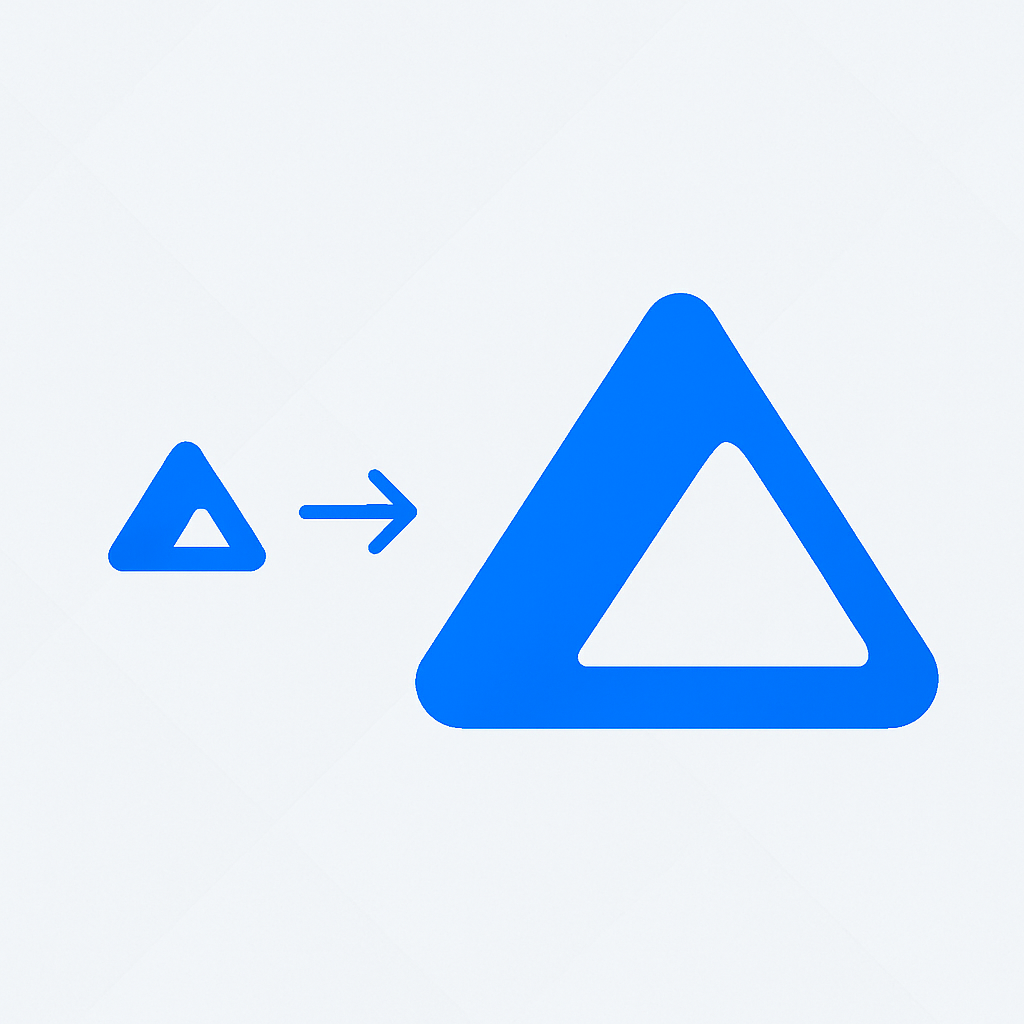
Stay sharp at any size
After PNG to SVG conversion, the result is a math description, not a pixel grid. Zoom in on Retina, print on a billboard — same crisp edges, no resampling, no rebuilding.
Skip hours of manual tracing
Hand-tracing a PNG into an SVG in Illustrator can eat half a day. A good PNG to SVG converter gives you a clean first pass in seconds; you only spend time on the tweaks that matter.
Smaller files, faster pages
Most PNG to SVG conversions land below the source PNG's file size. Lighter logos and icons mean fewer bytes on every page and better Core Web Vitals out of the box.
What you actually get from a PNG to SVG converter
An SVG isn't just a different file extension. Once the PNG to SVG conversion is done, you can scale the converter output, restyle it with CSS, animate it, or paste the markup straight into a React component — none of which a PNG can do.
A 16×16 app icon and a 6m print poster from the same SVG. PNG to SVG conversion ends the cycle of exporting half a dozen raster sizes for every brand asset.
Change fill colors on hover, animate paths with CSS keyframes, swap themes at runtime. After a PNG to SVG conversion, the asset behaves like code instead of a frozen image.
For most logos and icons, this PNG to SVG converter outputs a file smaller than the PNG it came from. Every page that ships the asset gets a small free speed win.
How the PNG to SVG converter works
No queue. No upload. The PNG to SVG conversion runs 100% locally on your device — your file goes from your machine straight back to your machine.
Drop your PNG in
Drag the PNG onto the upload area, or click to browse. JPG, WebP, BMP, and GIF work too, but this page is tuned for the PNG to SVG path most people land here for.
Tune the conversion
Pick illustration, clean-color, or compact color style; then dial in detail level, color count, and transparent PNG handling.
Download the SVG
Preview the converted SVG side-by-side with the original PNG, copy the markup straight into your codebase, or download a ready-to-edit .svg file.
Built for clean output, not just file conversion
Most PNG to SVG converters either give you a giant tangled path or hide every real control. This converter ships sensible defaults so the first conversion is usable, plus the dials you need when the defaults aren't right for a given conversion.
Tuned for logos and icons
This PNG to SVG converter is tuned for the high-contrast stuff: brand marks, app icons, UI symbols, flat illustrations — exactly what people convert PNG to SVG for in real projects.
Three output styles
Illustration keeps soft shapes, clean-color strips to flat regions, and compact style adds a fast WASM path that is especially useful for logos and flat artwork.
Color count under your control
Dial from 24 colors down to 2. Fewer colors = smaller SVG, fewer paths, easier to edit. The PNG to SVG converter clamps to a safe range so you never end up with garbage.
Transparent PNG, transparent SVG
Transparent PNG backgrounds survive the conversion. The converter paints transparent pixels with a synthetic key color, traces, then strips those paths so the SVG comes out clean.
100% Private & Local
No upload, no server round-trip. This PNG to SVG converter does the conversion on your CPU; the PNG never leaves your computer. Useful for NDA work, client logos, anything sensitive.
Paste-ready SVG output
Copy the converted SVG markup straight into JSX, HTML, or a CSS background. The PNG to SVG converter post-processes the output to drop the cruft tracer engines usually leave behind.
Why creators rely on this PNG to SVG converter
A predictable, fast PNG to SVG conversion workflow for designers, developers, and anyone who needs a same-tab PNG to SVG conversion right now.
PNG files converted monthly
From PNG drop to SVG
Local conversion, every PNG, every time
From PNG to SVG, on real projects
Designers, developers, marketers, and indie founders use this PNG to SVG converter on real client work, brand refreshes, and product launches.
PNG to SVG conversion, common questions
Quick answers about file types, quality, privacy, and where the converted SVG actually works.
What does a PNG to SVG converter actually do?
It reads the pixels in your PNG, groups them into color regions, and writes those regions out as SVG vector paths. The result is a math description of the image — same shapes, but now they can scale, restyle, and animate.
Is this PNG to SVG converter free?
Yes — unlimited conversions, no signup, no watermark, no daily limit. The converter runs entirely on-device, so there's no server cost to gate.
Does my PNG get uploaded anywhere?
No. The entire PNG to SVG conversion runs 100% locally on your device. The PNG never touches our servers, and there's nothing logged after you close the page.
Which PNGs give the best SVG conversion?
High-contrast, shape-driven graphics: logos, icons, illustrations, UI screenshots, badges. A PNG to SVG converter shines on those. Photos can be converted too, but expect smoothing — pixels have to become vector paths somehow.
Will the SVG match my PNG exactly?
Close, not pixel-perfect. The PNG to SVG conversion turns pixels into shapes, which works great for logos and icons. For photos, the converter approximates the conversion — fine for stylized output, less so for portraits.
How long does a PNG to SVG conversion take?
Usually under 5 seconds for a typical logo or icon in this converter. Larger PNGs or "detailed" mode add a little to the conversion, but you see the converted SVG the moment it finishes — no spinner queue.
Can I convert a transparent PNG to SVG?
Yes. The converter detects transparent PNG areas, fills them with a synthetic key color so the tracer behaves, then removes those paths from the SVG. Transparency survives the round trip.
Can I edit the SVG after conversion?
Yes. Open the converted SVG in Illustrator, Inkscape, Figma, or any text editor. The paths are clean and named sanely, so tweaking colors or simplifying shapes takes minutes, not hours.
Where can I use the SVG after the conversion?
Anywhere modern: websites, React/Vue/Svelte components, social posts, slides, t-shirts, print signage. SVG output from this converter is universal in 2026 — if a tool renders images, it renders SVG.
Does it also work for JPG, WebP, BMP, GIF?
Yes. This page is named for the most common PNG to SVG converter searches, but the same engine accepts JPG, WebP, BMP, and GIF input and converts them to SVG too.
Run your first PNG to SVG conversion
Free, on-device, no signup. Drop a PNG, get an SVG back in seconds. If the first conversion isn't right, tweak the converter settings and run it again — nothing's uploaded, nothing's saved during the conversion.