Free Alabama Outline SVG Cut Files
Download an accurate Alabama outline SVG in Solid and Outline styles for Cricut, laser cutting, shirts, classroom maps, and craft projects.
- Free Alabama Outline SVG download
- Transparent background
- 2 variants
- SVG and PNG, no signup
Alabama Outline SVG variants
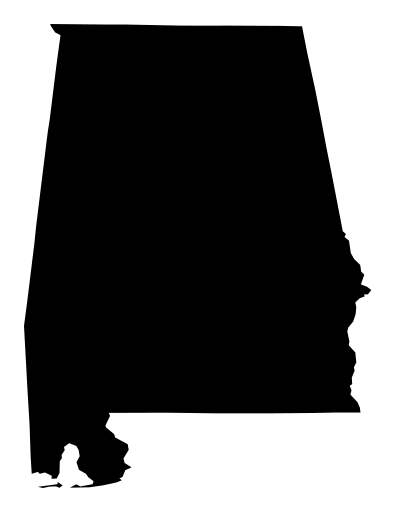
Alabama Outline SVG preview — solid variant on a transparent background, 395 × 512 view box.
About the Alabama Outline SVG
This Alabama outline SVG keeps the state border accurate, so the shape matches official geography instead of a stylized illustration. Because the Alabama outline comes from US Census data, you can use it for classroom maps, hometown gifts, and state-pride shirts without guessing at the proportions. If you need an Alabama outline svg for a Cricut project, the clean paths cut smoothly and stay easy to weed. It is a real state map outline, not clip art, so your finished piece looks precise on decals, ornament blanks, and template layouts.
The clean vector outline style works well for layered vinyl, wood cutouts, laser cutting, and quick color edits in Figma. SVG also beats PNG here because you can resize the Alabama outline without blur, then swap colors for any craft. That makes it a solid pick for entry vinyl, paper piecing, and simple classroom handouts that need a clean state boundary. Download the Solid or Outline version and turn the Alabama outline into a practical file for school displays, maker fairs, and local history projects.
How to use the Alabama Outline SVG
- Step 1
Download the cut file
Grab the Alabama Outline SVG as a clean vector with a transparent background — free for personal projects, no signup.
- Step 2
Open it in your craft or design app
Cricut Design Space, Silhouette Studio, Figma, and Illustrator all import SVG, so the Alabama Outline SVG stays editable shape by shape.
- Step 3
Resize and recolor it
Scale the Alabama Outline SVG to any size and swap its colors to match your project — vector paths never blur or pixelate.
- Step 4
Cut, print, or export PNG
Cut it on vinyl, press it onto a shirt, or export a PNG with the Download PNG button for tools that only take raster files.
Frequently asked questions about the Alabama Outline SVG
Can I use these files for personal crafts or gifts?
Yes, use the download for personal craft projects, classroom materials, and gifts. If you plan to sell finished products, check the page's license terms first.
Will this work in Cricut Design Space and other cutting machines?
Yes. Upload the SVG to Cricut, Silhouette, or similar software, and it will keep the Alabama outline sharp for vinyl, paper, and wood cuts.
What file details do I get?
You get Solid and Outline downloads in a flat vector format. The Alabama outline stays crisp, and the paths are easy to scale or layer for multi-color builds.
Can I edit colors or use it in Figma and the web?
Yes. Import the SVG into Figma to recolor it, combine it with other shapes, or export a PNG when you need a raster version. For web use, the SVG keeps edges clean at any size.
How do I convert the Alabama outline SVG to PNG?
Open the file in a vector editor or exporter and choose PNG output. Set the size you need, and adjust fills or strokes before exporting if you want a different look.
Want a custom design as SVG?
Looking for something other than the Alabama Outline SVG? Upload your own image to our free converter and get a scalable SVG instantly — everything runs locally in your browser.
Convert an image to SVGMore states SVG SVGs
Free SVG SVG downloads from the same category as the Alabama Outline SVG.
Free Missouri Outline SVG for Cricut & Crafting
States
Free Indiana Outline SVG for Cricut Crafts & More
States
Free South Carolina Outline SVG for Crafting and More
States
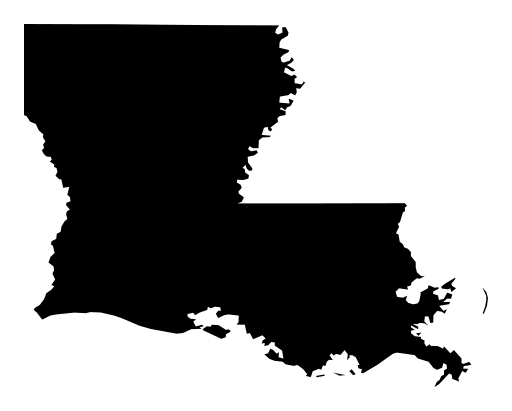
Free Louisiana Outline SVG for Cricut & Crafts
States
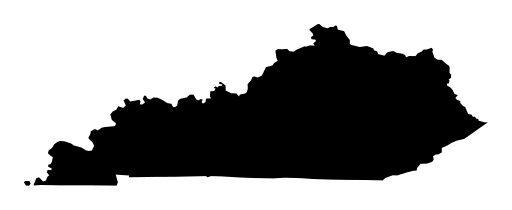
Free Kentucky Outline SVG for Crafts & Cutting Machines
States
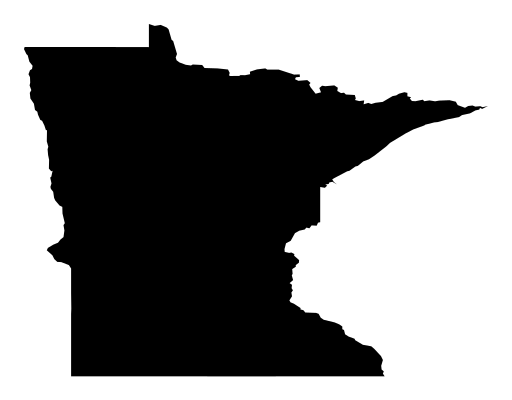
Free Minnesota Outline SVG for Cutting & Crafts
States
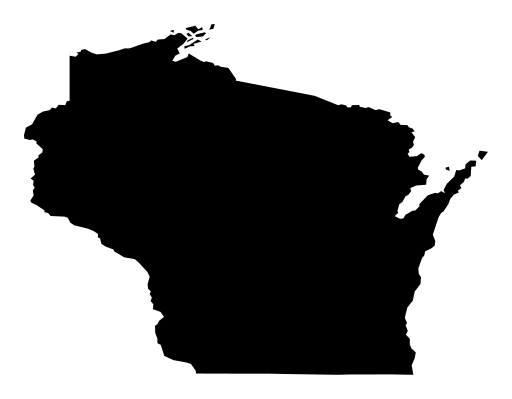
Free Wisconsin Outline SVG for Crafting & Cutting Machines
States
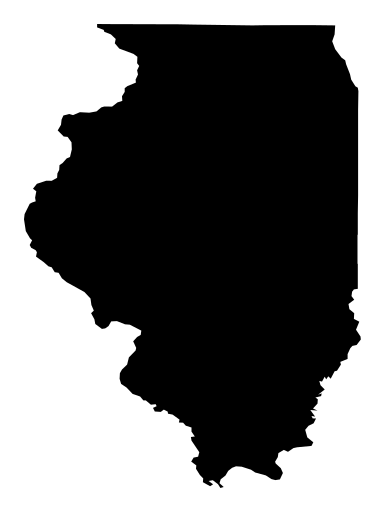
Free Illinois Outline SVG | State Map Cut File
States