Free Arrow SVG Cut Files: Classic, Decorative & Minimal
Download a free arrow SVG in Classic, Decorative, or Minimal style for Cricut and cutting machines. Make signs, cards, labels, and more with clean, flat colors.
- Free Arrow SVG download
- Transparent background
- 3 variants
- SVG and PNG, no signup
Arrow SVG variants
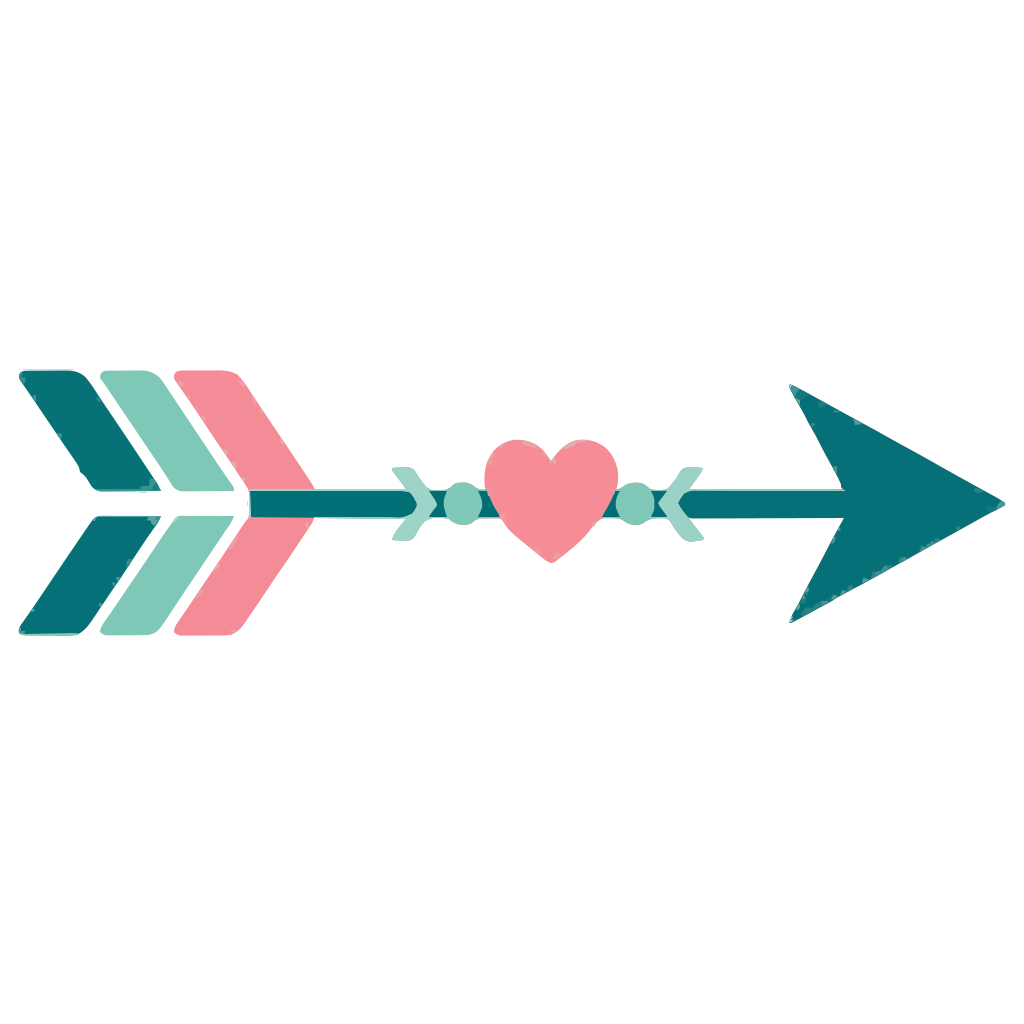
Arrow SVG preview — classic variant on a transparent background, 1024 × 1024 view box.
About the Arrow SVG
Turn a simple direction into a finished craft project with this free arrow SVG collection. Choose Classic for signs, directional labels, and classroom displays; Decorative for cards, scrapbook borders, and gift tags; or Minimal for clean logos, planner stickers, and modern wall art. Each design uses a flat multi-color vector style, so the arrow remains crisp while its separate color areas are easy to cut, layer, or print.
Download an SVG for Cricut Design Space, Silhouette Studio, or another cutting machine, then resize it for vinyl decals, cardstock signs, HTV shirts, paper banners, and labels without rebuilding the artwork. SVG is usually a better starting point than PNG because it stores editable paths instead of fixed pixels: enlarge a small arrow without jagged edges, recolor layers to match your materials, and adjust outlines before cutting. You can also open the file in Figma or a browser-based editor for web graphics, presentations, maps, and interface cues. Export a PNG when a raster image is required, while keeping the SVG as your flexible master file.
How to use the Arrow SVG
- Step 1
Download the cut file
Grab the Arrow SVG as a clean vector with a transparent background — free for personal projects, no signup.
- Step 2
Open it in your craft or design app
Cricut Design Space, Silhouette Studio, Figma, and Illustrator all import SVG, so the Arrow SVG stays editable shape by shape.
- Step 3
Resize and recolor it
Scale the Arrow SVG to any size and swap its colors to match your project — vector paths never blur or pixelate.
- Step 4
Cut, print, or export PNG
Cut it on vinyl, press it onto a shirt, or export a PNG with the Download PNG button for tools that only take raster files.
Frequently asked questions about the Arrow SVG
Can I use this arrow SVG for products I sell?
Use the free file for personal craft projects and check the download license before using it on products for sale, client work, or templates. If your project is commercial, follow any attribution or redistribution limits listed with the file.
How do I use the arrow SVG with Cricut, Figma, or a website?
Upload the SVG to Cricut Design Space or another cutting-machine app, then resize it and assign colors or cut settings to each layer. Open it in Figma for design work, or add it to a web project as an image that stays sharp at different sizes.
What is included in these arrow SVG files?
Each download is a scalable SVG with editable vector paths and separate flat color areas for the Classic, Decorative, or Minimal design. The artwork is suitable for resizing, cutting, printing, and recoloring without pixelation.
How can I change the colors or convert the SVG to PNG?
Open the SVG in Figma, a vector editor, or compatible design software and select each color area to edit its fill or stroke. Export the finished design as a PNG at the pixel dimensions you need, while retaining the SVG for future edits.
Want a custom design as SVG?
Looking for something other than the Arrow SVG? Upload your own image to our free converter and get a scalable SVG instantly — everything runs locally in your browser.
Convert an image to SVGMore shapes SVG SVGs
Free SVG SVG downloads from the same category as the Arrow SVG.