Free Crown SVG Cut Files for Cricut & Crafts
Download a free crown SVG in Classic, Decorative, or Minimal styles. Create Cricut decals, party signs, shirts, cards, and royal craft projects.
- Free Crown SVG download
- Transparent background
- 3 variants
- SVG and PNG, no signup
Crown SVG variants
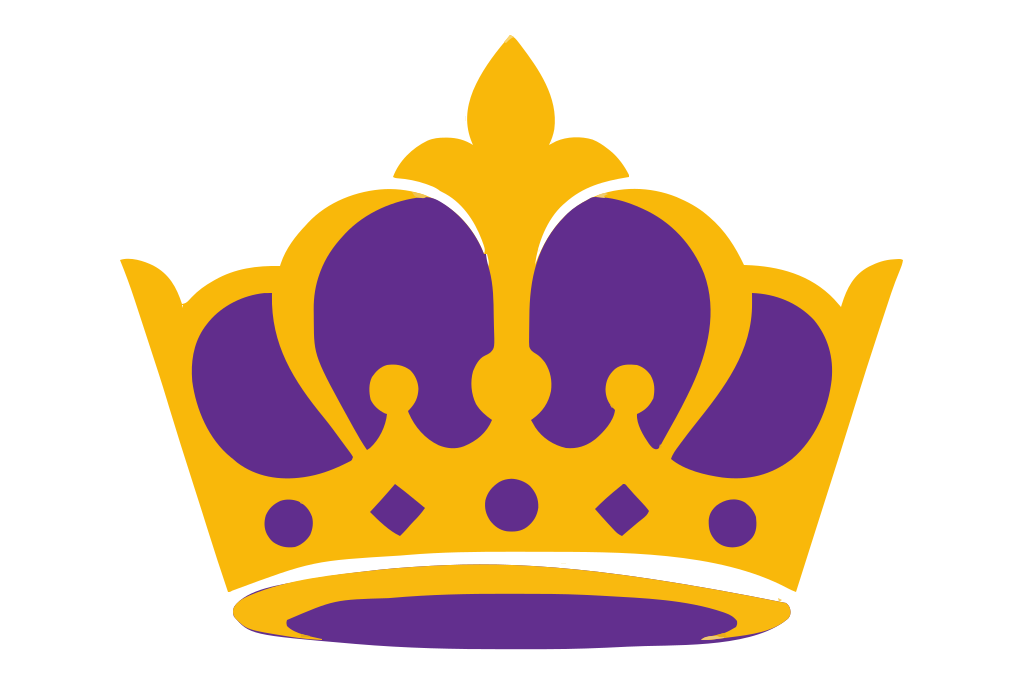
Crown SVG preview — classic variant on a transparent background, 1024 × 683 view box.
About the Crown SVG
Give handmade projects a royal focal point with a free crown SVG designed for clean cutting and easy customization. Choose Classic for familiar pointed tips, Decorative for a more ornate silhouette, or Minimal for a simple modern mark. The artwork uses a flat multi-color vector style, so individual color areas stay crisp and can be coordinated with gold, glitter, metallic, or contrasting vinyl. Use the designs for birthday shirts, princess party invitations, cake toppers, favor bags, nursery signs, school-royalty sashes, scrapbook pages, mugs, and window decals.
SVG is especially useful for Cricut, Silhouette, and other cutting machines because paths scale without becoming blurry or jagged. Unlike a PNG, which is built from pixels and may need tracing before cutting, the vector file keeps smooth crown edges at sticker size or poster size. Upload the SVG to your cutting software, resize it, ungroup or separate colors if supported, and assign each layer to cardstock, heat-transfer vinyl, or adhesive vinyl. For paper crafts, use sturdy material for narrow points and decorative details; for fabric, mirror heat-transfer artwork before cutting. You can also open the file in Figma or another vector editor to recolor the flat shapes, add a name or monogram, and export a transparent PNG.
How to use the Crown SVG
- Step 1
Download the cut file
Grab the Crown SVG as a clean vector with a transparent background — free for personal projects, no signup.
- Step 2
Open it in your craft or design app
Cricut Design Space, Silhouette Studio, Figma, and Illustrator all import SVG, so the Crown SVG stays editable shape by shape.
- Step 3
Resize and recolor it
Scale the Crown SVG to any size and swap its colors to match your project — vector paths never blur or pixelate.
- Step 4
Cut, print, or export PNG
Cut it on vinyl, press it onto a shirt, or export a PNG with the Download PNG button for tools that only take raster files.
Frequently asked questions about the Crown SVG
Can I use the crown SVG for personal or commercial projects?
Check the license displayed with the download before selling finished products. Do not redistribute, resell, or bundle the original SVG file unless the stated license specifically permits it.
How do I use the crown SVG with Cricut Design Space?
Download the SVG, open Cricut Design Space, and choose Upload, Upload Image, then Browse. Add it to the canvas, resize as needed, and attach matching color pieces if you want them to keep their positions on the cutting mat.
Can I edit the crown in Figma or use it on a website?
Import or drag the SVG into Figma to resize paths, adjust the flat colors, or combine the crown with text. For web use, optimize the edited SVG and add accessible alt text before placing it in your page layout.
What is included in the crown SVG download?
The page provides Classic, Decorative, and Minimal crown variants in scalable SVG format. Their vector paths produce smooth edges at different sizes and work with compatible cutting software and vector editors.
How can I change the colors or convert the SVG to PNG?
Open the file in Figma, Inkscape, Illustrator, or another SVG editor, select each shape, and change its fill color. To create a PNG, export at the required pixel dimensions and select a transparent background when available.
Want a custom design as SVG?
Looking for something other than the Crown SVG? Upload your own image to our free converter and get a scalable SVG instantly — everything runs locally in your browser.
Convert an image to SVGMore shapes SVG SVGs
Free SVG SVG downloads from the same category as the Crown SVG.