Free Deer Silhouette SVG for Cricut & Crafts
Download a free deer silhouette SVG for Cricut projects, vinyl decals, t-shirts, and signs. Get solid-black files with transparent backgrounds in 3 styles.
- Free Deer silhouette SVG download
- Transparent background
- 3 variants
- SVG and PNG, no signup
Deer silhouette SVG variants
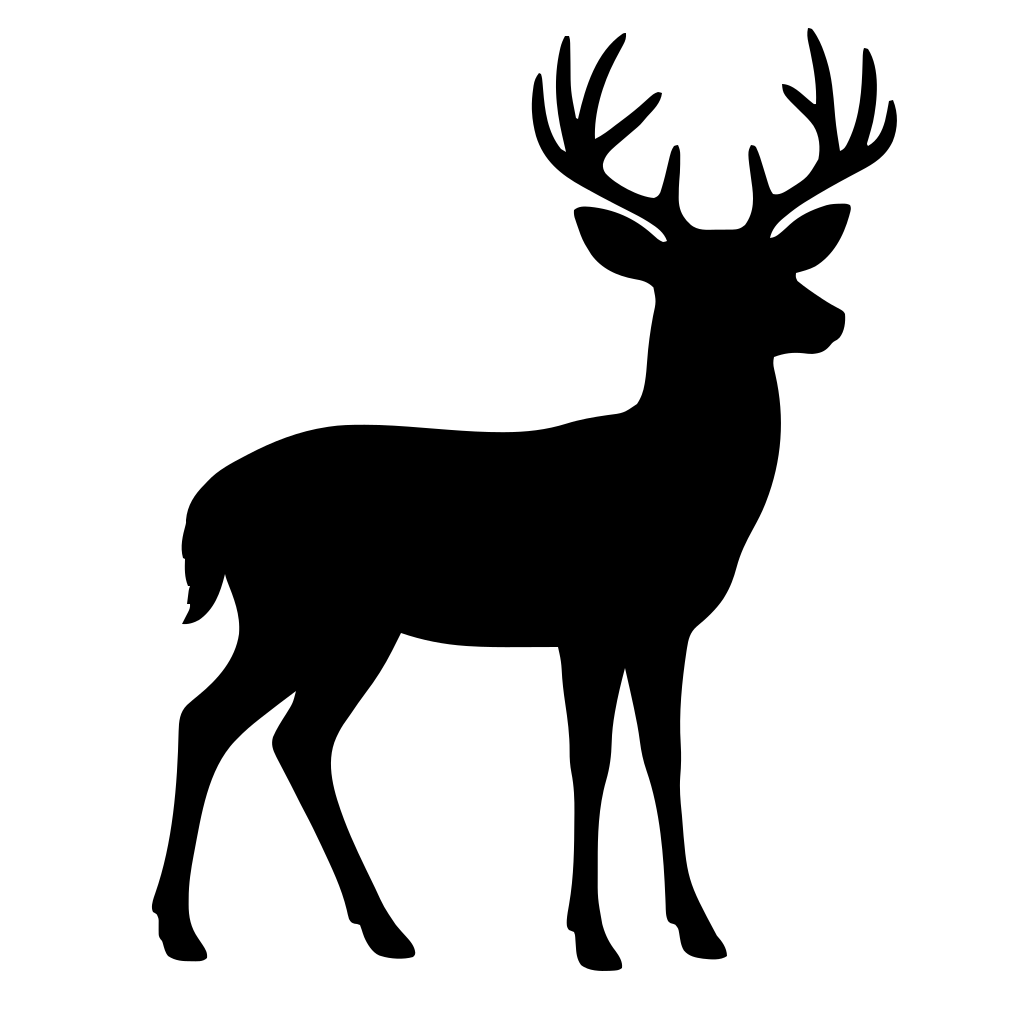
Deer silhouette SVG preview — classic variant on a transparent background, 1024 × 1024 view box.
About the Deer silhouette SVG
Bring a clean woodland look to your next craft with this deer silhouette SVG. Use the Classic, Style 2, or Style 3 design for Cricut and other cutting machines, then turn it into a layered sign, cabin decor, mug graphic, ornament, or stencil. The bold deer shape works especially well for hunting-season gifts, nursery accents, wedding table signs, and nature-themed classroom projects. Add it to vinyl decals for vehicles, windows, coolers, notebooks, or water bottles, or press it onto t-shirts, sweatshirts, and tote bags.
Each downloadable file is solid black with a transparent background, so the deer is easy to place on a colored surface and simple to recolor in compatible software. SVG is the better choice than PNG when you need to cut, resize, or adjust a design: its vector paths stay crisp at small sticker sizes and large banners without pixelation. Upload the file to Cricut Design Space, open it in Figma or another vector editor, or use it in a web project as scalable artwork. Choose Classic for a straightforward profile, Style 2 for a different silhouette treatment, or Style 3 for another distinct option, and match the variant to your project's size and mood.
How to use the Deer silhouette SVG
- Step 1
Download the cut file
Save the Deer silhouette SVG to your device — one solid color on a transparent background, ready to cut.
- Step 2
Upload it to your cutting software
Cricut Design Space, Silhouette Studio, and most laser tools import SVG directly, so the Deer silhouette lands as a single clean cut path.
- Step 3
Size it for your material
Scale the Deer silhouette to the blank you are decorating — vinyl decal, t-shirt transfer, cake topper, or wall art — without softening an edge.
- Step 4
Cut, print, or export PNG
Send it straight to the machine, or grab a PNG with the Download PNG button for mockups and print-on-demand listings.
Frequently asked questions about the Deer silhouette SVG
Can I use the deer silhouette SVG for personal or commercial crafts?
Use the downloaded deer design for your own crafts and finished items, such as decals, shirts, signs, and gifts, when the site's license permits it. Do not resell, repost, or redistribute the standalone SVG; check the current usage terms for any commercial limitations.
How do I use it with Cricut, Figma, or a website?
Upload the SVG to Cricut Design Space and size it before sending it to your cutting machine; for vinyl, mirror the design when required by your transfer material. Open it in Figma or another vector editor, or add it to a web page as scalable artwork using an SVG file or image element.
What is included in each deer SVG file?
Each variant - Classic, Style 2, and Style 3 - is a solid-black deer silhouette on a transparent background. SVG vector paths can be resized without pixelation, making them suitable for small decals, shirts, signs, and large craft projects.
How can I convert the SVG to PNG or change its color?
Open the file in Figma, Inkscape, Illustrator, or another vector editor, set the fill color, and export or download it as a PNG at the pixel dimensions you need. Keep the transparent-background option enabled if you want no white box around the deer.
Which deer silhouette style should I download?
Classic offers a straightforward deer profile, while Style 2 and Style 3 provide alternate shapes for different signs, decals, and apparel layouts. Download the variant whose outline best fits your available space and the look you want.
Turn any picture into a silhouette SVG
Looking for something other than the Deer silhouette SVG? Have your own photo or drawing? Upload it to our free converter and vectorize it in your browser — then cut, print, or scale it to any size.
Convert an image to SVGMore animals silhouette SVGs
Free silhouette SVG downloads from the same category as the Deer silhouette SVG.
Free bunny silhouette SVG for Cricut Projects
Animals
Free Dinosaur Silhouette SVG Downloads
Animals
Free Bird Silhouette SVG Downloads for Crafts
Animals
Free Horse Silhouette SVG Files
Animals
Free Butterfly Silhouette SVG Downloads
Animals
Free dog silhouette SVG for Cricut Projects
Animals
Free cat silhouette svg files for Cricut
Animals